ANDROID & iOS

SCPlay App – Live Casino, Slots & Sports Betting at Your Fingertips, Anytime

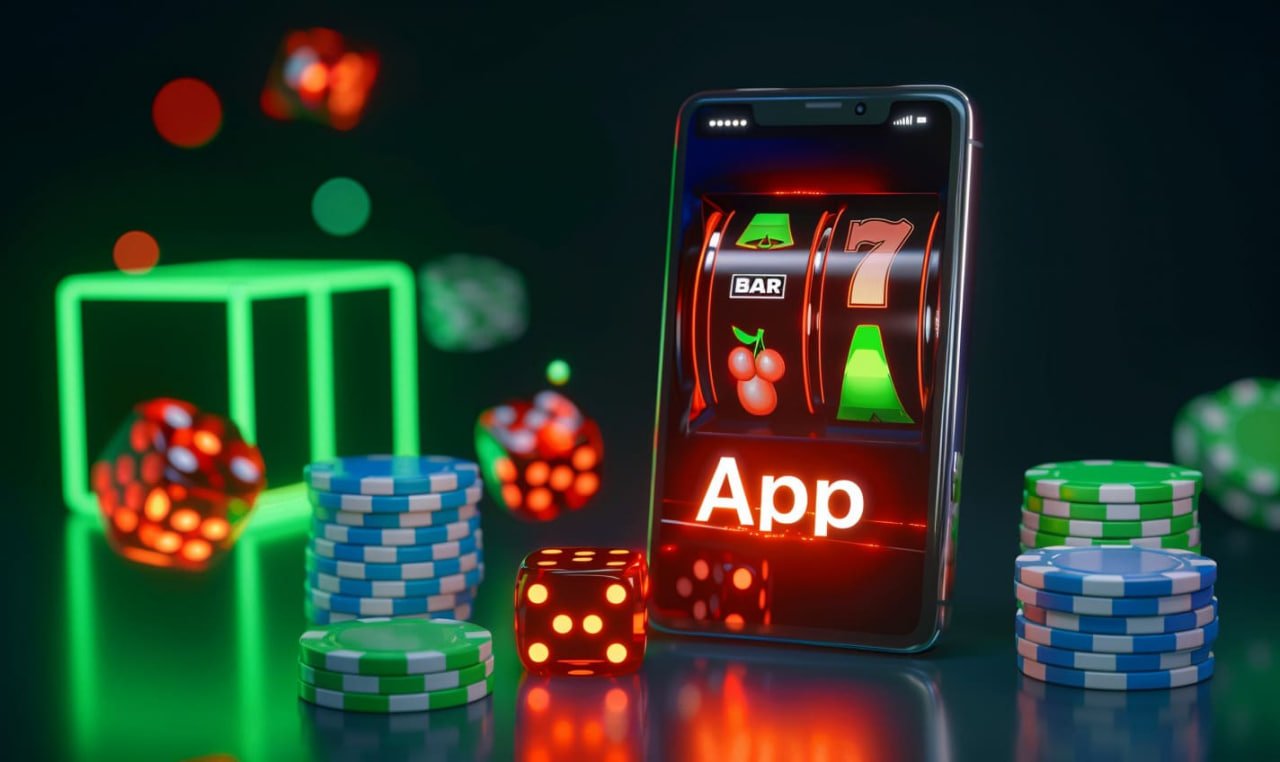
Scplay is now available as a mobile app optimized for Android and iOS devices. Enjoy all platform features — from Live Casino and thousands of slots to multi-league Sports Betting — with an interface that's faster, lighter, and more comfortable for touchscreens.

Android 5.0+ iOS 12.0+ File Size < 35MB Free Installation
scplay

Choose Your Platform

Download SCPlay App

Available on both major platforms. Easy, free and secure installation.

Android APK

Version 3.2.1 · Android 5.0+

Download the APK file directly to your Android device. Simple and fast installation — done in under 2 minutes.

  • File size: 28.4 MB
  • Supports Android 5.0 and above
  • Automatic in-app updates
  • Optimised data usage
  • Dark mode available
Download Android APK

IOS / iPhone

Version 3.2.1 · iOS 12.0+

Install the scplay app on your iPhone or iPad. The Retina-optimised design delivers an outstanding visual experience.

  • File size: 32.1 MB
  • Supports iOS 12.0 and above
  • Optimized for Face ID
  • Supports iPhone and iPad
  • Smooth 60fps animations
Download for iOS

For detailed installation instructions, visit the Download us.

What Sets the SCPlay App Apart From Other Mobile Platforms?

Many Malaysian players today prefer playing on mobile over desktop. That's no surprise — we live in an on-the-go world, and the ability to log in, make a deposit and start playing within seconds is something players truly value.

Scplay understood this need from the very beginning. The scplay mobile app is not simply a web version shrunk down to a small screen — it is a standalone product built from the ground up with touch experience, loading speed, and data efficiency as top priorities. The result is a gaming experience that feels natural and comfortable, whether you're playing while waiting for the LRT in KL or relaxing at home on the weekend.

On the technical side, the scplay app uses adaptive streaming technology that automatically adjusts live casino video quality based on your internet connection speed. This means even in areas with weaker signal, live casino games can run without significant interruption. For slot games, graphic assets are intelligently preloaded and cached locally to speed up load times in future sessions.

scplay

Every Platform Feature, in One Lightweight App

One common concern players have when switching from the web version to a mobile app is losing access to certain features. At scplay, that's not an issue. The app offers full access to every section of the platform:

  • Live casino with over 200 tables from international providers
  • Over 1,000 slot game titles from Pragmatic Play, Microgaming, NetEnt, and more
  • Sports Betting covers football, badminton, esports and international leagues
  • Full account management including deposits, withdrawals and transaction history
  • Push notifications for exclusive promotions and match updates
  • Live chat customer support directly within the app

Key Features of the SCPlay App

Ultra-Fast Loading

Smart cache technology ensures games load in under 3 seconds even on a standard 4G connection.

Biometric Login

Supports fingerprint and Face ID login for faster, more secure access without typing your password each time.

Smart Notifications

Receive push notifications for the latest promotions, match score updates and successful withdrawal alerts.

Dark Mode

Switch between light and dark mode based on your preference, or let the app follow your device's system settings automatically.

Data Saver Mode

Enable data saver mode to reduce mobile data usage while playing, without significantly compromising game stability.

Bahasa Malaysia

The scplay app interface is available in Bahasa Malaysia, making navigation and understanding easier for local users.

scplay

How to Install the SCPlay App – Android

Installing the scplay app on Android requires a few extra steps since the APK file is downloaded directly rather than through the Google Play Store. Follow the steps below:

1
Allow Unknown Sources

Go to your phone Settings → Security → Enable "Install apps from unknown sources" or "Allow APK installation". This step only needs to be done once.

2
Download APK File

Click the "Download Android APK" button above or visit the Download. The scplay APK file will be automatically downloaded to your device's Downloads folder.

3
Open APK File

Once the download is complete, open the APK file from the notification panel or from the Downloads folder using a file manager. Tap the file to begin installation.

4
Install & Open App

Tap "Install" when prompted. Installation typically completes in under 1 minute. The scplay icon will then appear on your phone's home screen — tap it to start playing.

After installation, you can turn off the "Install from external sources" option again for added security. Your installed scplay app will not be affected.

How to Install the SCPlay App – iOS

1
Visit the Download Page

Open Safari on your iPhone or iPad and go to Download scplay. Use Safari for best results — Chrome on iOS may not support certain installation steps.

2
Download Configuration Profile

Tap the iOS download button. The system will prompt you to install a configuration profile. Go to Settings → Profile → Install to continue.

3
Trust App Developer

Go to Settings → General → Device Management → Find the scplay developer name → Tap "Trust". This allows iOS to run apps distributed outside the App Store.

4
Open & Login

Once installed, the scplay icon will appear on your iPhone home screen. Tap to open, log in or register a new account, and start playing instantly.

Comparison: App vs Web Browser

While both access methods are fully functional, the scplay mobile app offers several additional advantages over accessing via a standard web browser.

Features SCPlay App Web Browser
Load Speed Very Fast Moderate
Biometric Login Supported Not Available
Push Notifications Yes No
Data Saver Mode Available None
Dark Mode Full Limited
Access Without URL Direct Icon URL Required
HD Live Casino Optimized Available
Slot Games Full Full
Deposit & Withdrawal Full Full
scplay

SCPlay App System Requirements

Android
Operating SystemAndroid 5.0+
Storage SpaceMin. 50 MB
RAMMin. 2 GB
Connection4G / WiFi
APK File Size28.4 MB
Last UpdatedJune 2026
iOS
Operating SystemiOS 12.0+
Storage SpaceMin. 60 MB
RAMMin. 2 GB
Connection4G / WiFi
File Size32.1 MB
Last UpdatedJune 2026

FAQ – SCPlay App

Yes, the scplay app is completely secure. The APK file provided on the official scplay website has gone through a security scanning process and contains no malware. All communication between the app and scplay's servers is protected with 256-bit SSL encryption. Your login credentials, personal data, and financial transactions are safe at all times.

Google Play Store and Apple App Store have policies that restrict online gambling apps in most Southeast Asian countries. For this reason, scplay distributes its app directly through the official website. This is standard practice for leading online casino platforms in Asia and does not affect the quality or security of the app.

Yes, your scplay account can be accessed from multiple devices — an Android phone, iPhone, tablet, or computer — using the same ID and password. However, for security purposes, only one active session is allowed at a time. If you log in on a new device, the session on the previous device will be terminated automatically.

When a new version of the scplay app is available, you will receive an in-app notification. You can tap the notification to download and install automatically, or download manually from the Download. Updates typically take less than 2 minutes and your game history and account balance will not be affected.

Install the SCPlay App Now – Free & Easy

Take the excitement of live casino, slots, and sports betting wherever you go with the scplay mobile app.

For Malaysian citizens aged 18 and above only. Please read the Terms & Conditions before playing.

Bahasa Melayu